Managed journal
Client Intake Form for Beauty Businesses: Examples and Sections
Build a useful beauty business intake form with sections for client details, appointment goals, history, preferences, and consent.
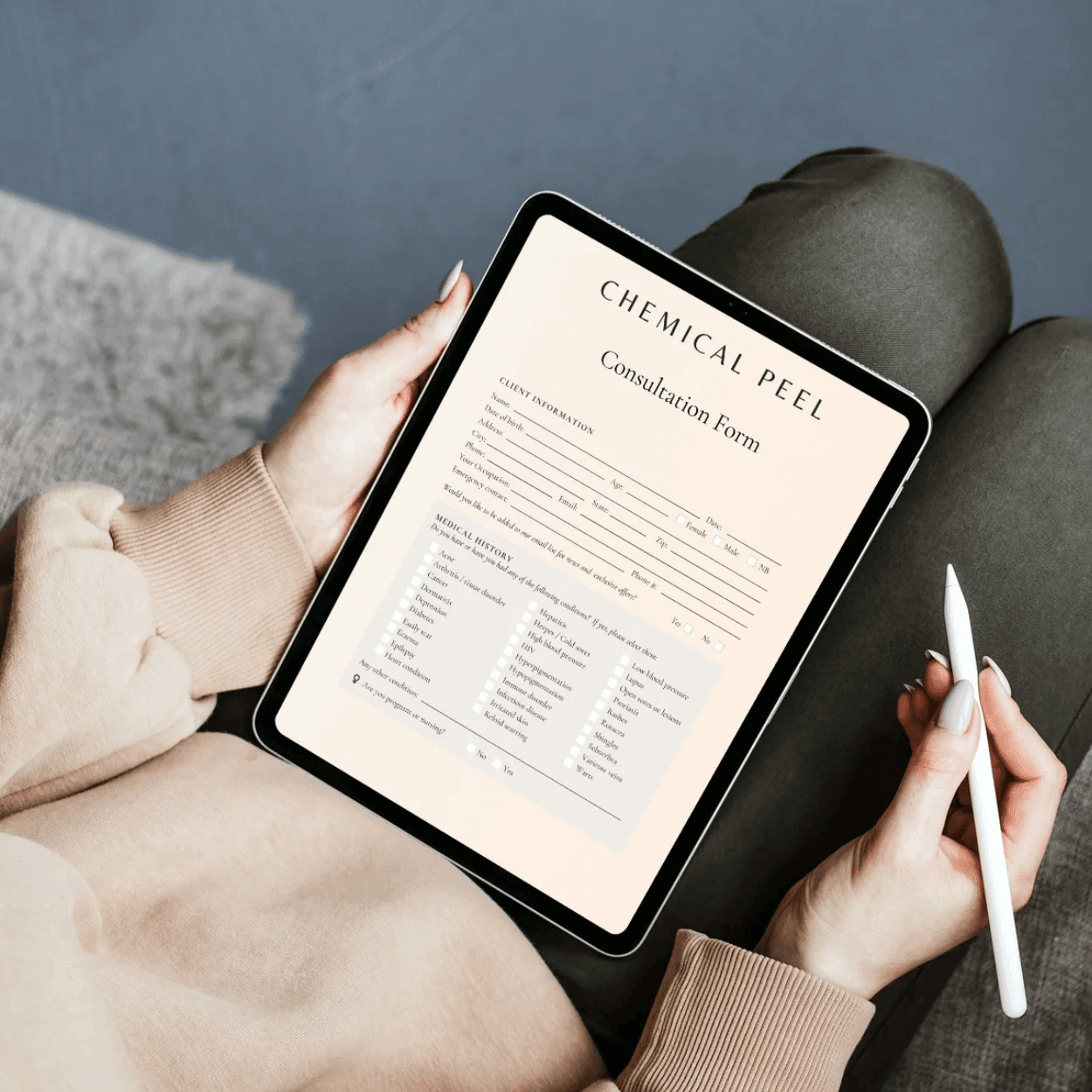
A client intake form for beauty businesses should collect the information your team needs to prepare the appointment, personalise the service, and keep records easier to review later.
The best intake forms are short enough for clients to complete and specific enough for practitioners to use.
Section 1: Client profile
Use this section to identify the client and keep contact details current:
- Full name
- Email address
- Mobile number
- Preferred contact channel
- Date of birth if relevant
- Address if required by your process
For returning clients, make this easy to confirm rather than forcing them through unnecessary typing.
Section 2: Appointment reason
This section explains why the client is booking:
- What service are you interested in?
- What are you hoping to improve or change?
- Is this a first visit or a returning appointment?
- Have you had this service with us before?
- Is there a specific practitioner you usually see?
These questions help the business prepare without relying on memory or message history.
Section 3: Relevant history
The right history depends on the business type. A nail studio, aesthetic clinic, lash studio, PMU artist, and salon may need different questions.
Examples include:
- Previous treatment history
- Product or treatment sensitivities
- Recent related services
- Current concerns
- Preferences from previous appointments
- Anything the practitioner should know before starting
Keep questions relevant to the service. Generic long forms create more admin than they remove.
Section 4: Preferences and communication
This section helps with service delivery and follow-up:
- Preferred appointment reminders
- Best channel for updates
- Product preferences
- Styling or treatment preferences
- Aftercare communication preference
This information supports a smoother client experience and more personal repeat visits.
Section 5: Consent, confirmation, and signature
Finish with clear confirmation wording:
- The information is accurate
- The client understands the service or consultation process
- The client agrees to relevant appointment policies
- Signature
- Date
If your business needs specific consent wording, use wording approved for your services and local requirements.
Make intake useful after submission
The form should not disappear after the client completes it. The response should be easy to review with the client record, appointment context, and future follow-up.
Managed Forms keeps forms, clients, and responses together so your team can review history without paper files or disconnected form folders.
More from Managed
Related reading for your next operational fix
Digital Consultation Forms for Beauty Salons: What to Include
A practical section-by-section guide to salon consultation forms that clients can complete before or during appointments.
Aesthetic Consultation Form Template: Questions to Ask Before Treatment
Use this aesthetic consultation form structure to collect treatment goals, relevant history, consent, and follow-up preferences.
Client Retention Playbook for Beauty Businesses
How high-performing teams structure follow-up and lifecycle campaigns to drive rebook rates.