Booking and no-show control
Review your diary setup, reminder timing, and rebooking flow.
Cleaner attendance and fuller days
In Managed: Smart Scheduling walkthrough
Explore capability->
Reduce no-shows with reminders and live availability.
Centralise customer records, segmentation, and retention workflows.
Manage SMS, email, and chat conversations in one place.
Capture and convert new enquiries with clearer follow-up.
Use live and team chat to reply faster and book more clients.
Track transactions, credits, refunds, and checkout-linked revenue.
Run campaigns and segments tied to booking outcomes.
Reward repeat visits with tracked progress, credits, and discounts.
Sell recurring plans with included services, enrol clients, and keep renewals on autopay.
Drive repeat revenue with tracked promotions and redemptions.
Connect paid campaigns to lead and booking conversion workflows.
Coordinate social workflows with revenue and retention goals.
Manage stock, suppliers, and retail performance in one stack.
Coordinate rota, roles, and team execution workflows.
Keep day-to-day actions visible, assigned, and completed.
Free mobile app for digital consultation forms, clients, and responses.
Run resource-aware scheduling and service continuity workflows.
The AI team member built into your platform - copilot, receptionist, marketing, and analytics.
Answer enquiries across SMS, email, chat, and social DMs - even when you're with clients.
Never lose a booking to a missed call - AI voice handling for incoming calls.
Fill quiet days and win back lapsed clients with campaigns you approve before they send.
Every enquiry arrives with a ready-to-send reply drafted from your prices and policies.
Incomplete consultation and consent forms chased automatically before appointments.
Bookings, reminders, and client growth for salons.
Operational control and patient communication in one system.
Consults, treatment plans, and repeat bookings without manual admin.
Simple workflows for solo beauty therapists.
Consult, treatment, and touch-up workflows in one place.
Practitioner-led treatment journeys with stronger retention.
Protect refill workflows and improve repeat demand.
Keep bookings, checkout, and retail operations connected.
Run member journeys and retention campaigns from one place.
Service + software workflows designed to drive more bookings.
Content and engagement workflows tied to enquiries and bookings.
Google, Meta, TikTok, and Microsoft PPC campaigns managed end to end.
Create, send, complete, and review digital consultation forms from mobile.
Launch booking-connected web experiences quickly.
Transcriptions and treatment reports powered by your voice.
Talk to our team about growth workflows for your business.
AI-driven inbox handling across email, SMS, and social.
AI voice assistant for incoming booking calls.
Learn about our mission and platform focus.
Common questions about setup, workflows, and support.
Operational and growth insights for beauty teams.
See how Managed sits against major platforms, side by side.
Compare form-first tooling with full booking-to-retention coverage.
Compare operations and growth workflow depth.
Compare enquiry conversion and repeat-booking support.
Compare focused growth workflows with clinical practice management depth.
Compare adoption-first workflows with enterprise AI and scale.
Guided Walkthrough
Use the demo to see where bookings, messages, forms, payments, and follow-up should connect in your business.
This is not a generic tour. We tailor the walkthrough to your process bottlenecks, growth goals, and team setup.
No card required. Setup support included.
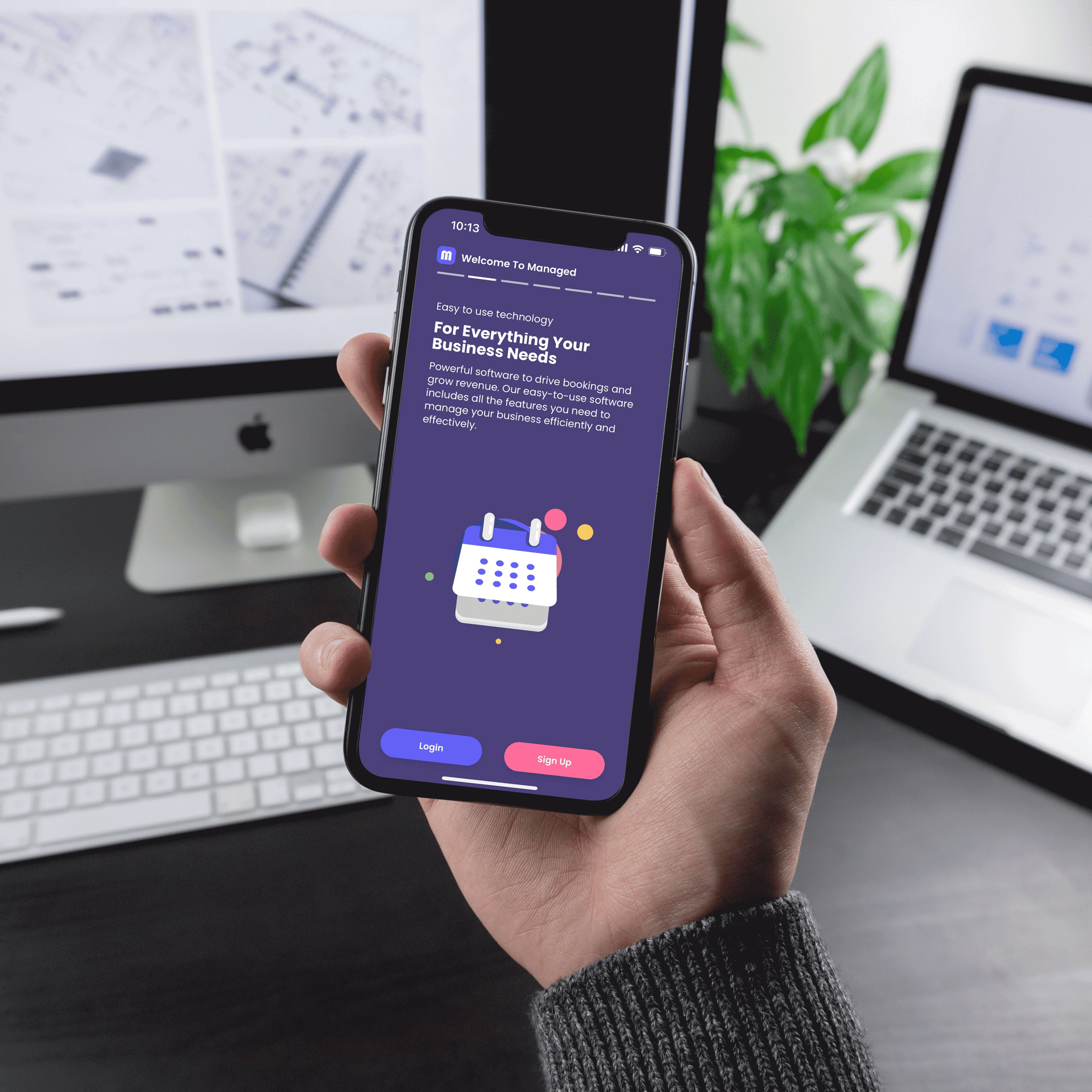
Use the walkthrough to map your current bottlenecks, see the relevant Managed workflows, and leave with a practical setup path.
A practical demo tied to your current consultation, booking, and retention flow.
Before you change systems, you need to know how it will work on a normal day.
Share your current process and biggest bottlenecks. Review the most relevant tools in context. Leave with a clear setup path and next steps.
See the exact parts of Managed that map to your daily bottlenecks.
Review your diary setup, reminder timing, and rebooking flow.
Cleaner attendance and fuller days
In Managed: Smart Scheduling walkthrough
Explore capability->
Map practical outreach that brings first-time clients back sooner.
More repeat visits
In Managed: Customer management and campaigns
Explore capability->
See checkout, refunds, and handovers in one connected flow.
Less admin switching at busy times
In Managed: Payments and inbox continuity
Explore capability->
Tell us about your business and we will tailor the walkthrough to your processes.
Fast response from our team
No spam follow-ups
Built for clinics and medspas
Start free, get set up quickly, and add guided support only when you need it.
Start in days, not months
Move your booking, messages, and payments into one place with practical steps your team can follow this week.
Keep your team confident
Use clear handover notes, role clarity, and support check-ins so front desk and practitioners stay aligned.
Scale when you are ready
Add deeper marketing and automation support only when your demand, team size, and goals call for it.
Start free now to test fit with your team, then use the demo to refine setup and prioritisation.