Managed journal
Digital Consultation Forms for Beauty Salons: What to Include
A practical section-by-section guide to salon consultation forms that clients can complete before or during appointments.
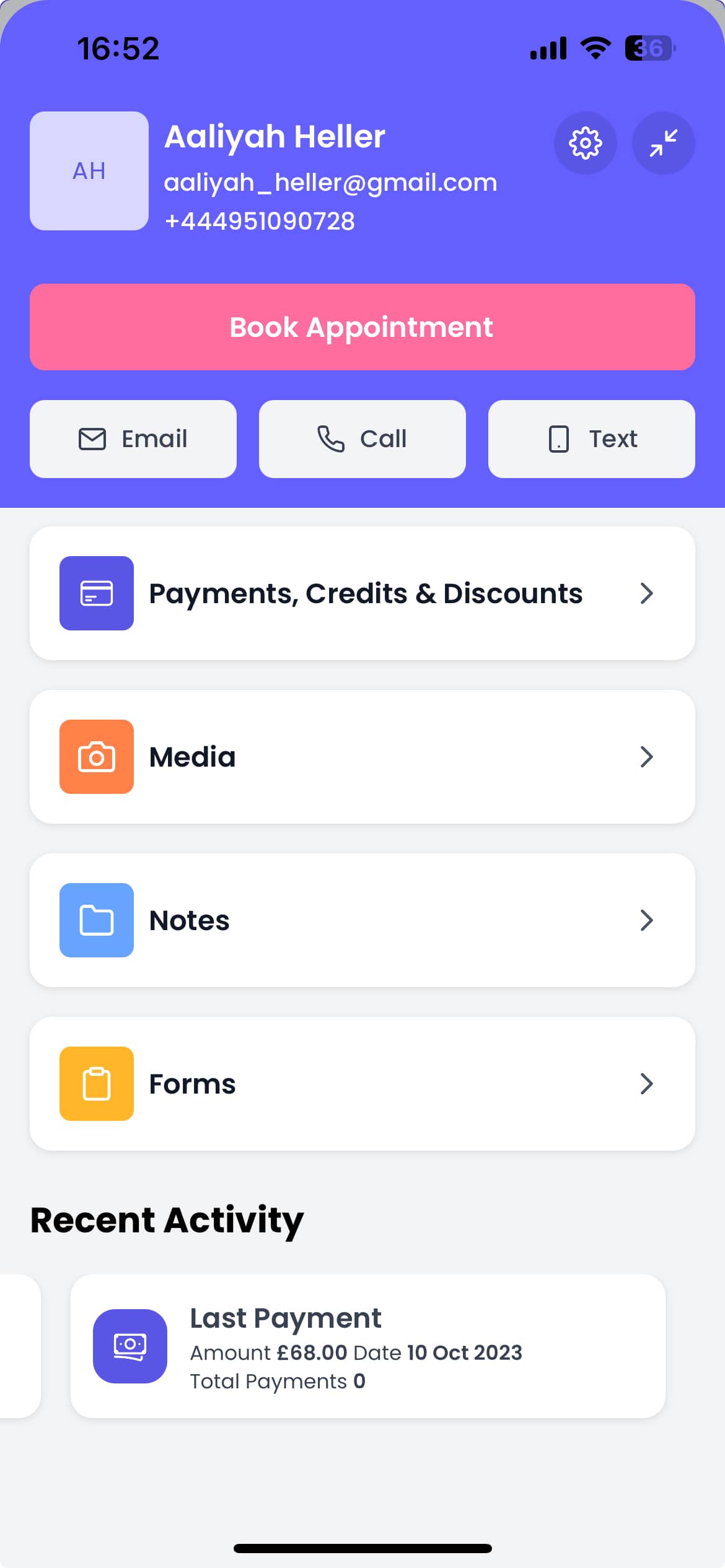
Digital consultation forms for beauty salons work best when they collect only the information your team will actually use before, during, and after an appointment.
The goal is not to create a long questionnaire. The goal is to prepare the service, reduce repeated questions, and keep client context easy to review.
Start with client basics
Every salon consultation form should capture the details your team needs to identify and contact the client:
- Full name
- Email address
- Mobile number
- Date of birth if relevant to your service policy
- Preferred contact method
- Emergency contact if your business requires it
Keep this section short. If it feels like admin before the useful questions begin, clients are more likely to abandon it.
Ask service-specific questions
The most useful forms change by service type. A lash appointment, colour treatment, facial, brow service, or nail appointment should not all ask the same questions.
Useful prompts include:
- What service are you booked for?
- Have you had this treatment before?
- What result are you hoping for?
- Do you have current concerns we should know about?
- Have you reacted to similar products or treatments before?
- Are there any timing constraints for this appointment?
This helps your team prepare without turning the form into a generic survey.
Include consent and confirmation sections
Consent text should be clear, service-specific, and easy for the client to confirm. Avoid copying legal-sounding wording you do not understand. If a treatment has specific risk, insurance, or regulatory requirements, check the wording with the appropriate professional advisor.
Common confirmation sections include:
- Information provided is accurate
- Client understands the service being requested
- Client agrees to contact and appointment policies
- Client confirms any preparation instructions
- Client signs and dates the form
Digital signatures are useful because they keep confirmation attached to the response history.
Make the form easy to send and complete
A salon form should support the way clients actually behave:
- Send a link before the appointment
- Show a QR code at reception
- Complete the form in person on iPhone or iPad
- Resend the same form if the client misses the first request
- Review the completed response before starting the service
This gives your team options without restarting the process.
Keep responses attached to the client
The biggest operational gain from digital forms is not the form itself. It is the history that stays with the client.
When answers are attached to a client record, your team can:
- See previous consultation details
- Compare changes between visits
- Prepare repeat appointments faster
- Avoid asking the same questions every time
- Keep service notes easier to find
More from Managed
Related reading for your next operational fix
Aesthetic Consultation Form Template: Questions to Ask Before Treatment
Use this aesthetic consultation form structure to collect treatment goals, relevant history, consent, and follow-up preferences.
How to Move from Paper Consent Forms to Digital Forms
A practical rollout plan for replacing paper consent forms with digital forms your team can send, review, and keep with client history.
Client Intake Form for Beauty Businesses: Examples and Sections
Build a useful beauty business intake form with sections for client details, appointment goals, history, preferences, and consent.