Appointments within your rules
Clients can review upcoming visits and manage eligible bookings according to your settings.
Appointments
In Managed: Part of your Managed workspace
Client app
Clients can view and manage appointments, join a waitlist, access receipts and track packages or memberships under your brand. Enable the options that fit your business, and give clients more ways to manage visits themselves.
Client access depends on the services and options your business has enabled. Booking changes follow your rules; payment processing and some plans or products may have separate charges.
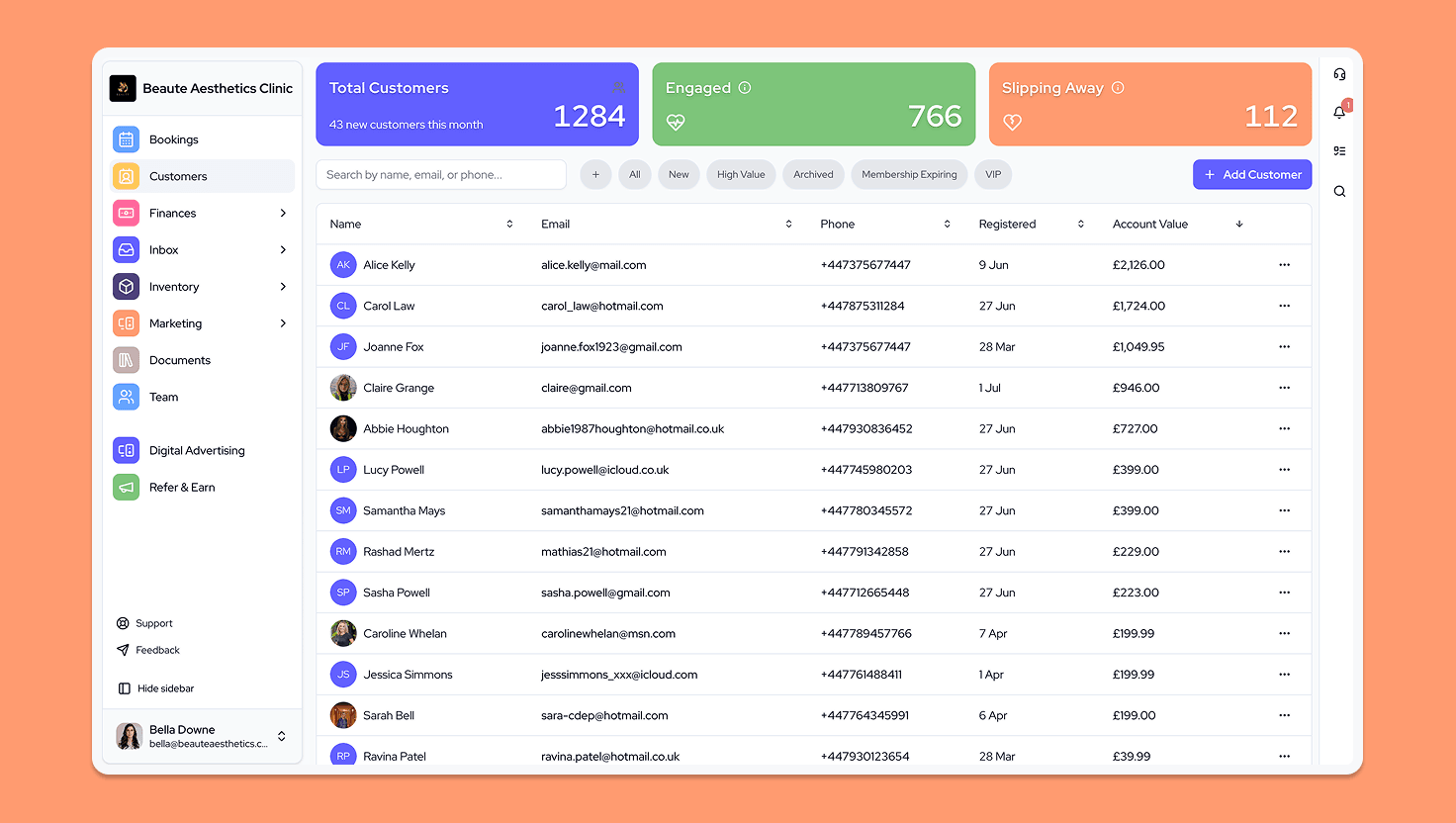
Give clients their appointment details, receipts and next visit in one branded place.
Clients can review upcoming visits and manage eligible bookings according to your settings.
Appointments
In Managed: Part of your Managed workspace
Clients can arrange another eligible visit or join a waitlist for an earlier opening.
Rebooking and waitlists
In Managed: Part of your Managed workspace
Keep receipts and saved payment methods easy for clients to find.
Receipts and payment methods
In Managed: Part of your Managed workspace
Give clients a clear view of their package, membership and gift card balances.
Packages and memberships
In Managed: Part of your Managed workspace
Keep relevant documents, aftercare and follow-up information connected to the client journey.
Treatment information and follow-up
In Managed: Part of your Managed workspace
Give clients a clear route to contact your team, including for privacy requests.
Requests to your team
In Managed: Part of your Managed workspace
Keep client access secure with sign-in, device controls and authorised sharing for family members or carers.
Secure access and sharing
In Managed: Part of your Managed workspace
Keep the details and next step clear for the people responsible.
Clients can find the details of their appointment and receipt.
Clients can return to the services and offers your business provides.
Clients can review appointment options or join a waitlist.
Appointment changes follow the options you enable, booking status and your business policies.
Put appointment details, receipts and rebooking within your clients’ reach, under your brand.