Managed journal
Best Consultation Form App for iPhone, iPad, and Mobile Teams
How to choose a focused consultation form app for mobile teams that need forms, clients, and responses without extra software.
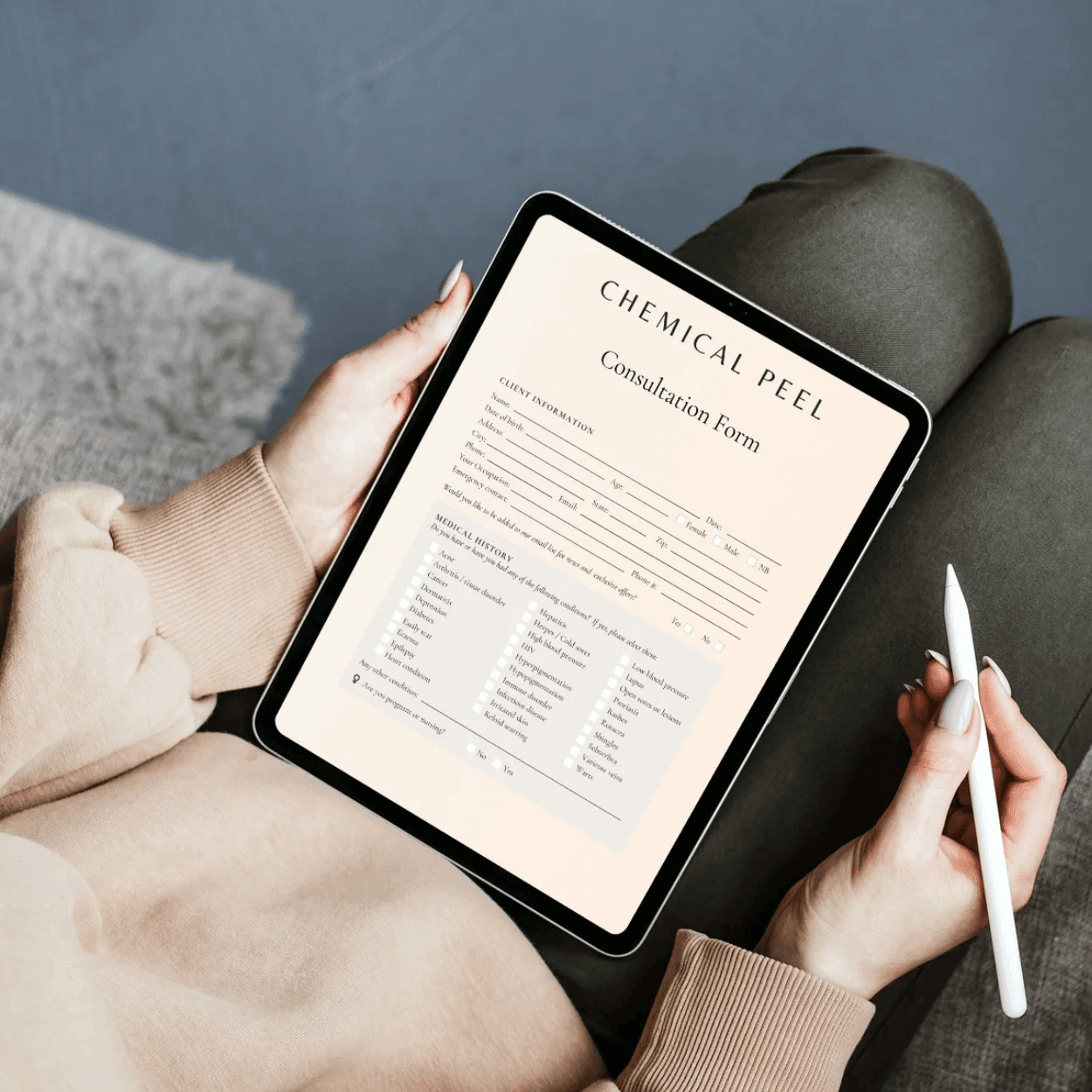
The best consultation form app for iPhone, iPad, and mobile teams should make form collection easier without forcing your business into a bigger system before you need it.
For beauty and aesthetics businesses, the core job is simple: create the right questions, send them to the client, complete forms in person when needed, and review the answers before the appointment starts.
What to look for first
A useful mobile consultation form app should cover the everyday workflow:
- Form templates so you do not start from a blank page
- Custom questions, sections, consent text, and signature fields
- Client records attached to response history
- In-person form completion on a mobile device
- Link and QR sharing for pre-visit completion
- Email and SMS sending when the client prefers a direct message
- Response review before treatment or service delivery
If the app cannot handle those basics quickly, your team will usually fall back to paper, screenshots, or scattered notes.
Keep the app focused
Many consultation form tools are bundled into booking, payment, marketing, or inventory systems. That can help when you want a full operating platform, but it is extra friction if you only need forms today.
A focused app is useful when:
- You already have a booking process
- You want to digitise forms before changing other tools
- Your practitioners need forms on iPhone or iPad
- You want client history and consultation answers in one place
- You want to test digital forms before rolling out wider software
This is the gap Managed Forms is built for.
Match mobile use to real appointments
Consultation forms are not only completed at home. Clients may arrive without completing a pre-visit link. A practitioner may need to add context during the appointment. A front-desk team may need to confirm the right form is attached to the right client.
For that reason, mobile form software should support:
- In-person completion
- Quick client search
- Draft saving where available
- Clear response status
- Easy review after submission
- A simple way to share a public form link again
This makes the form process practical during a busy day, not just theoretically digital.
When to choose Managed Forms
Managed Forms is a good fit if you want a free consultation form app for iPhone, iPad, and Android that stays focused on forms, clients, and responses.
Use it to:
- Create digital consultation forms
- Start from ready-made templates
- Personalise questions and consent text
- Add and manage client records
- Complete forms in person
- Send forms by link, QR code, email, or SMS
- Review completed responses
- Sync form activity with your Managed workspace
Links, QR sharing, in-person completion, forms, clients, and responses are free to use.
When to use full Managed
If your forms need to connect with booking, payments, inbox, marketing, and team workflows, the full Managed platform is the better path. Managed Forms can stay as the focused forms layer while the wider workspace handles the rest of the business.
More from Managed
Related reading for your next operational fix
Digital Consultation Forms for Beauty Salons: What to Include
A practical section-by-section guide to salon consultation forms that clients can complete before or during appointments.
Client Intake Form for Beauty Businesses: Examples and Sections
Build a useful beauty business intake form with sections for client details, appointment goals, history, preferences, and consent.
How to Send Consultation Forms by Link or QR Code
Use links, QR codes, email, SMS, and in-person completion to collect consultation forms before appointments start.